
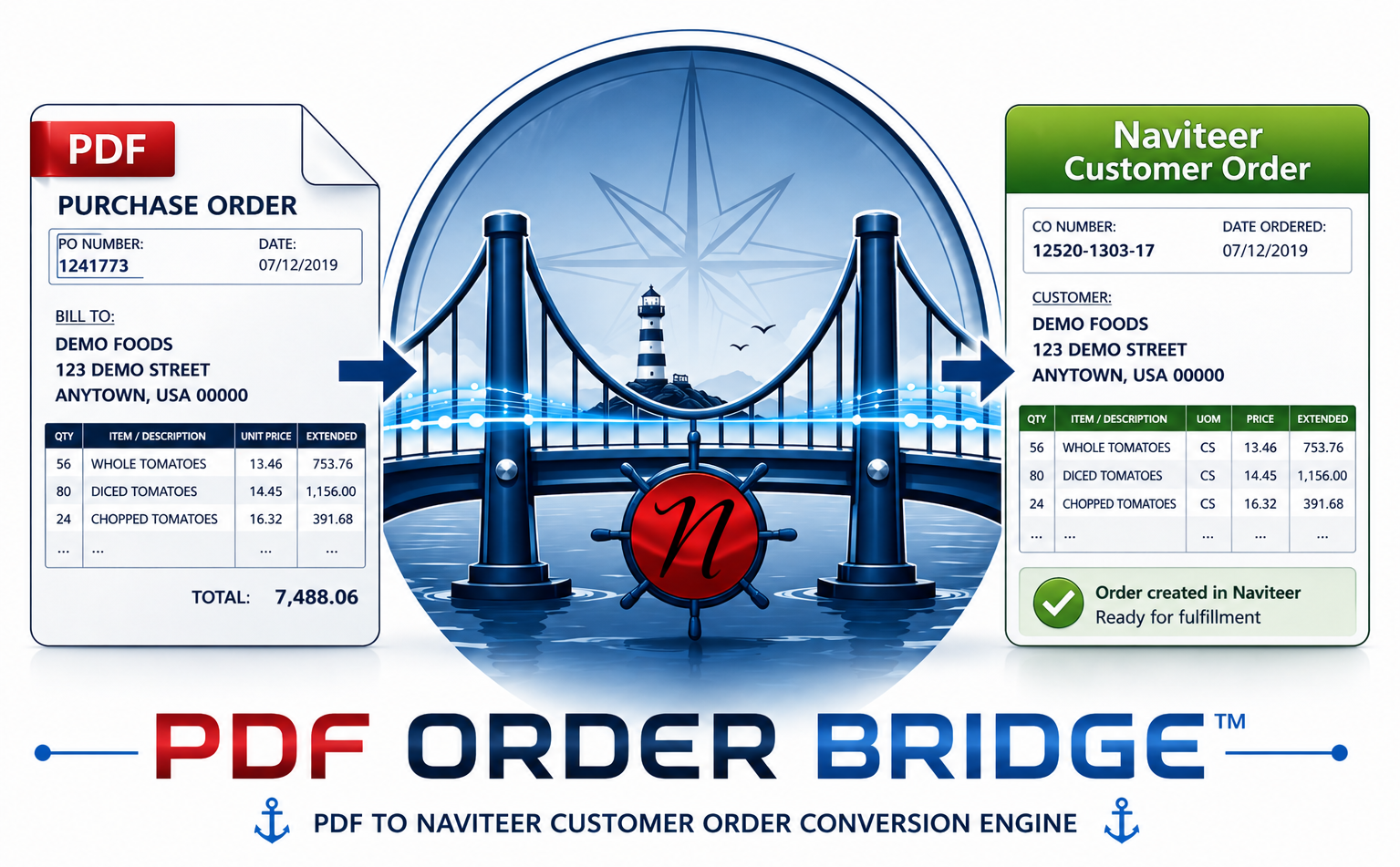
Convert incoming PDF purchase orders into faster Naviteer-ready order flow.
Naviteer PDF Order Bridge is designed for food brokers and distributors who still receive purchase orders as PDF documents. Instead of printing, reviewing, and manually rekeying orders, your team can streamline the intake process and reduce unnecessary labor.
This page gives you a quick way to estimate the cost of manual PDF order entry and start the ROI conversation for adding PDF Order Bridge to your Naviteer environment.
Your PDF Order Entry Cost
See how much staff time may be going into manually keying PDF purchase orders into your food brokerage or distribution workflow.
Naviteer PDF Order Bridge helps bridge the gap between incoming PDF purchase orders and the order-processing workflow inside Naviteer. That means less repetitive data entry and more time spent on customer service, exception handling, and keeping orders moving.
Use this calculator as a quick starting point. If your team also prints PDFs before entering them, remember to include that extra time in your estimate.
What Naviteer PDF Order Bridge Does
Naviteer already supports the core operational needs of food brokers and distributors, including orders, EDI, accounting integration, CRM, reporting, and related back-office workflows. PDF Order Bridge extends that value by targeting one of the most common intake bottlenecks: purchase orders that arrive as PDF files instead of clean electronic transaction data.
The objective is straightforward: capture order information from PDFs, structure it for downstream processing, and help your team spend less time typing and more time verifying, serving customers, and resolving exceptions that really need human attention.
Naviteer A.I. Vision
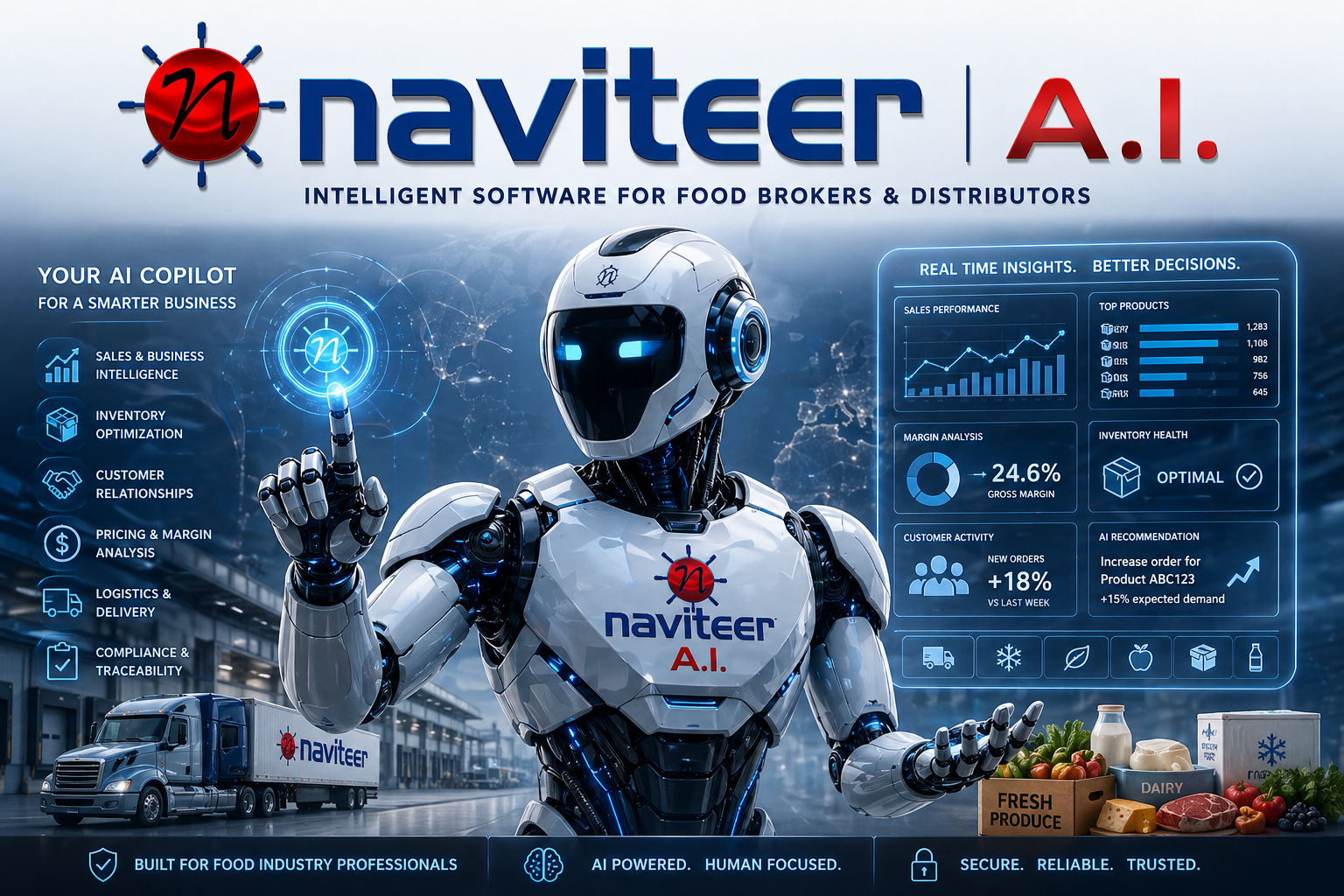
The Naviteer A.I. concept represents the broader direction of intelligent automation around the Naviteer platform. PDF Order Bridge is a practical example of that vision in action: taking repetitive document-driven work and helping teams process it faster and more intelligently.
- Automate repetitive intake work wherever practical.
- Support better order-processing speed and accuracy.
- Keep people focused on exceptions, customers, and decisions.
- Fit the needs of food brokers and distributors.
- Extend Naviteer with new high-value options over time.